Inventory approval workflow for requests, issue flow, and audit control
WYNTIQ
Inventory approval workflow software

Control who requests, approves, and issues inventory.

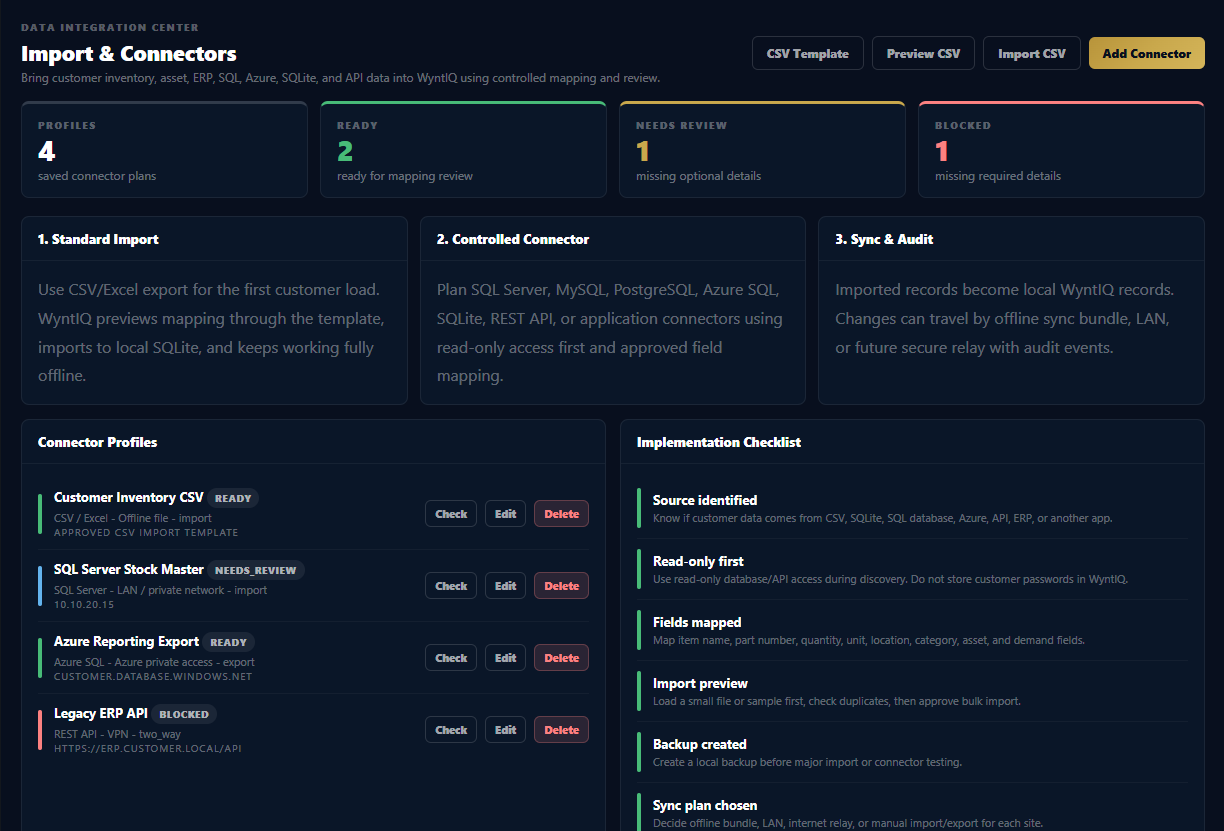
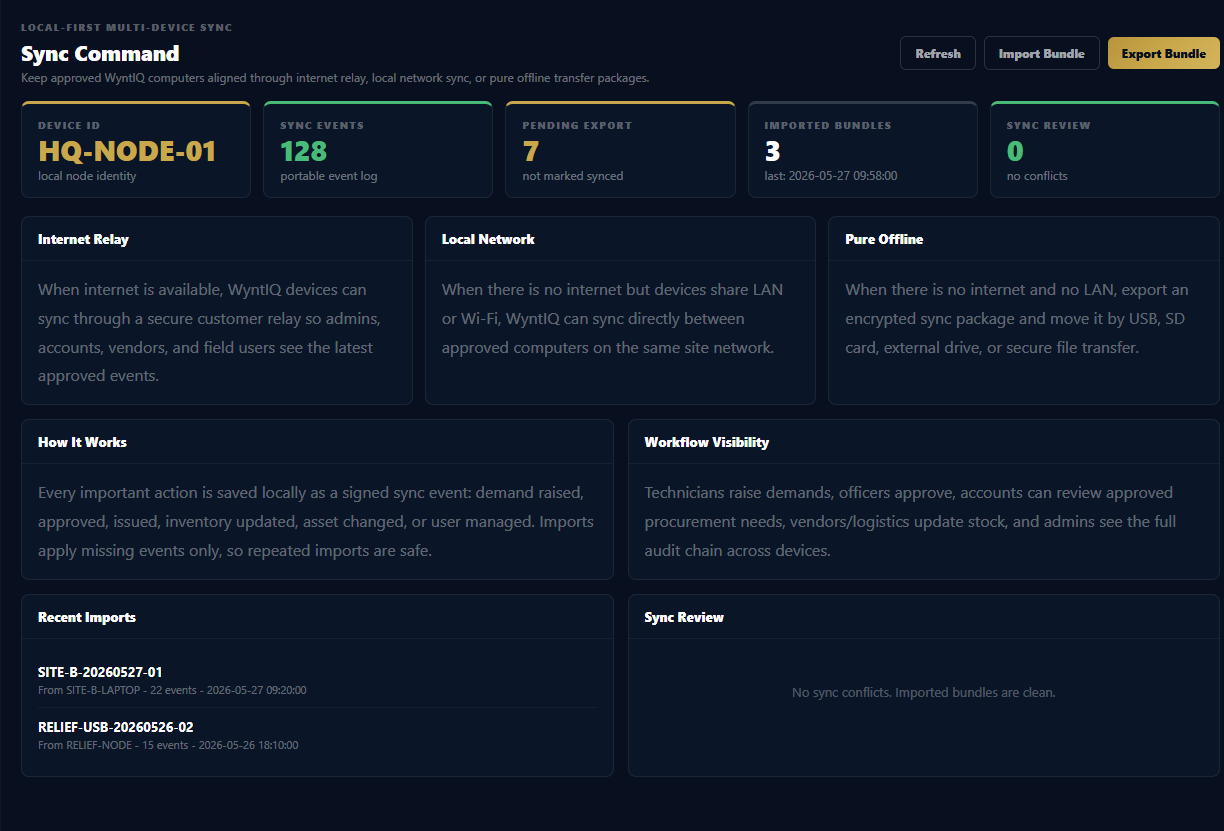
WYNTIQ gives material requests a clear workflow: request, review, approve, reject, issue, and audit. Teams can work locally and preserve accountability even when internet is unavailable.
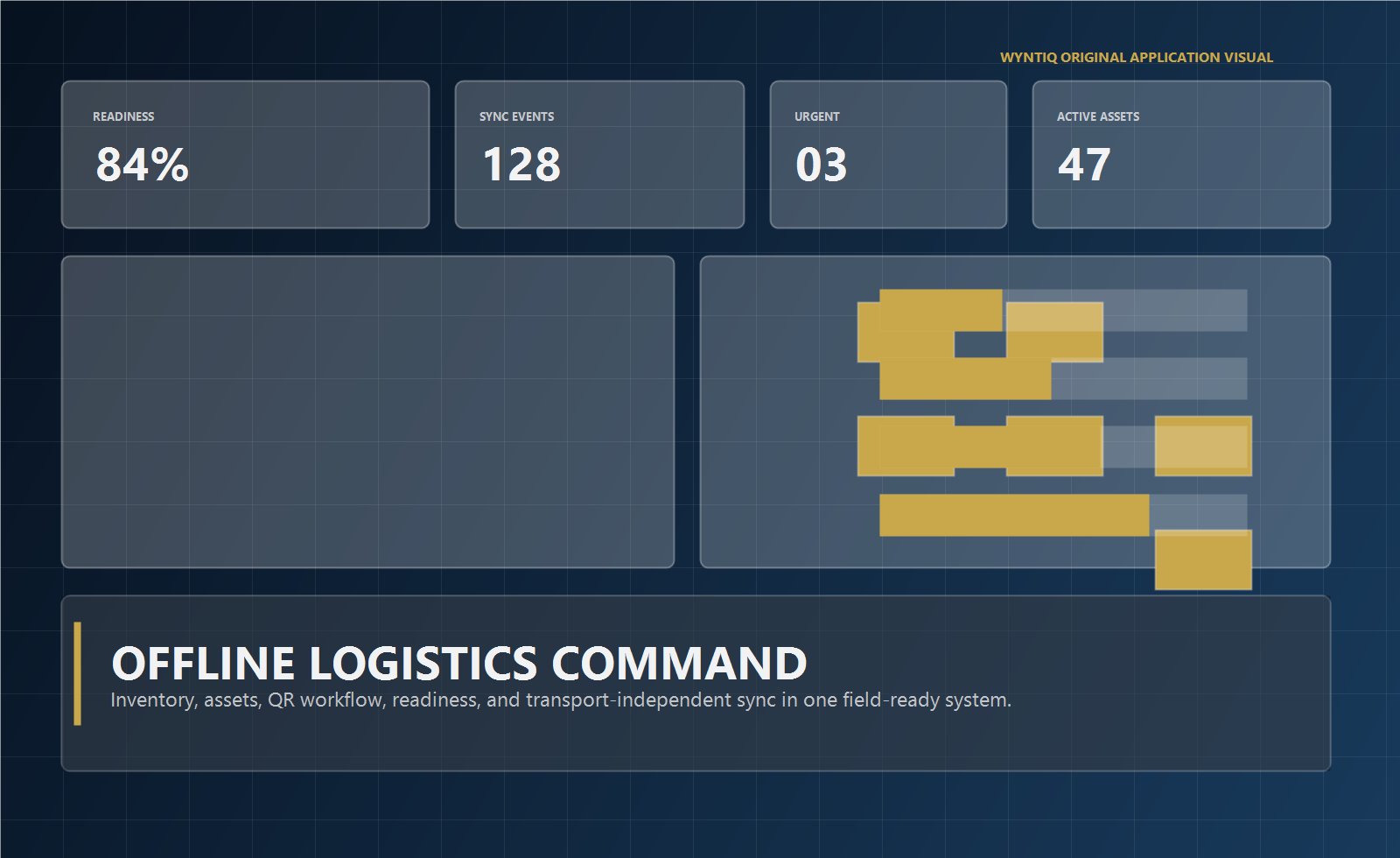
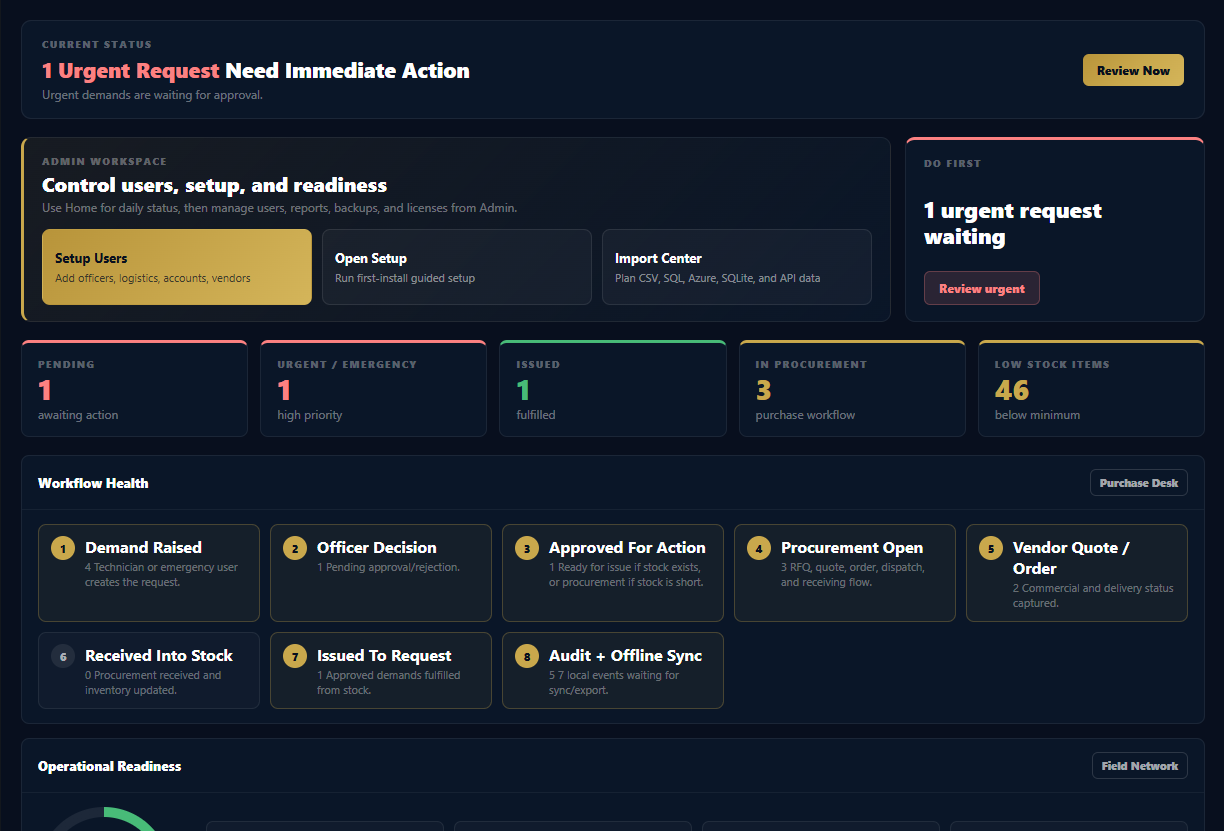
WYNTIQ inventory approval workflow

Inventory control should be role-aware.

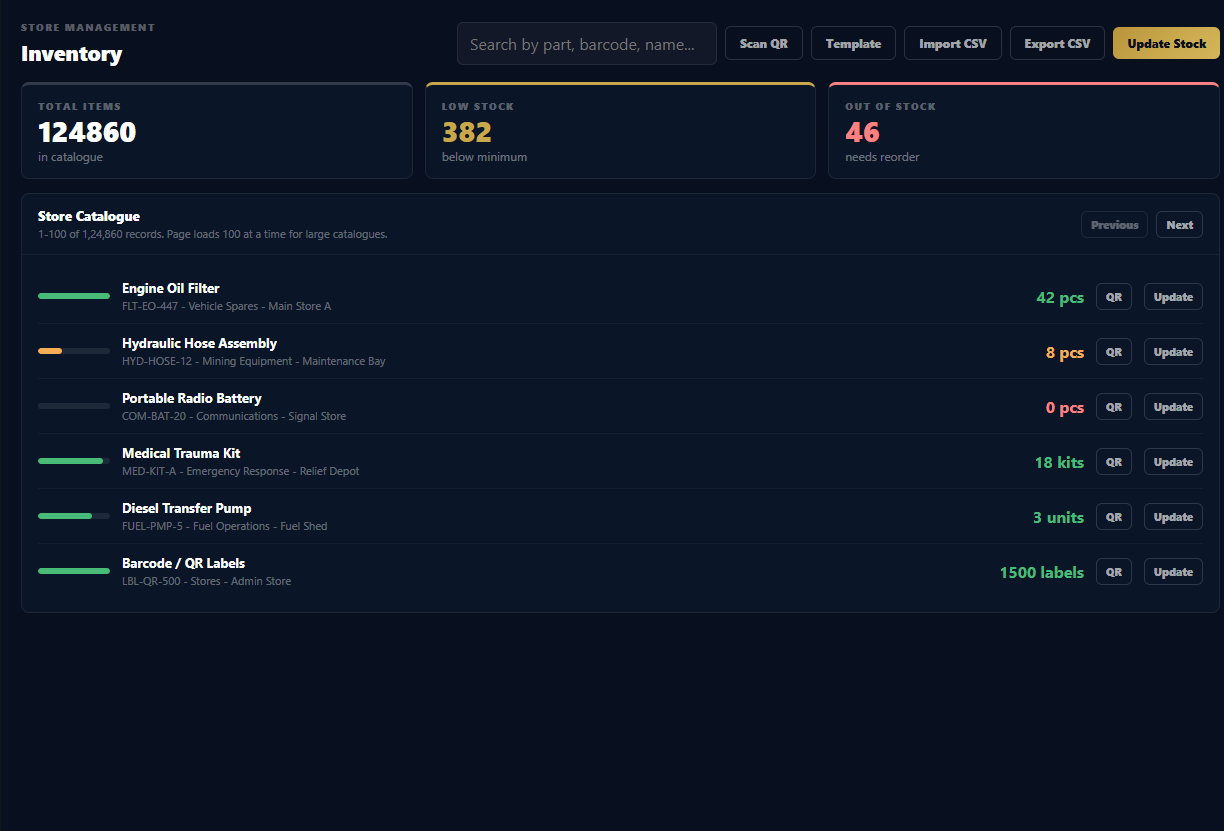
Stock movement becomes easier to trust when every request has a status and every approval, rejection, issue, or adjustment is connected to a responsible user.

1

Request

A technician or operator requests the material, quantity, priority, location, and reason.

2

Review

An officer or manager reviews the need and checks operational priority.

3

Issue

Logistics issues approved stock or marks the item for replenishment when stock is unavailable.

4

Audit

WYNTIQ preserves who did what and when for reporting and inspection.

Move away from loose messages and paper slips.

VIS

Clear status

Separate pending, approved, issued, rejected, urgent, and emergency requests.

STK

Stock-aware decisions

Connect requests to item availability, low-stock signals, and issue history.

PDF

Exportable reports

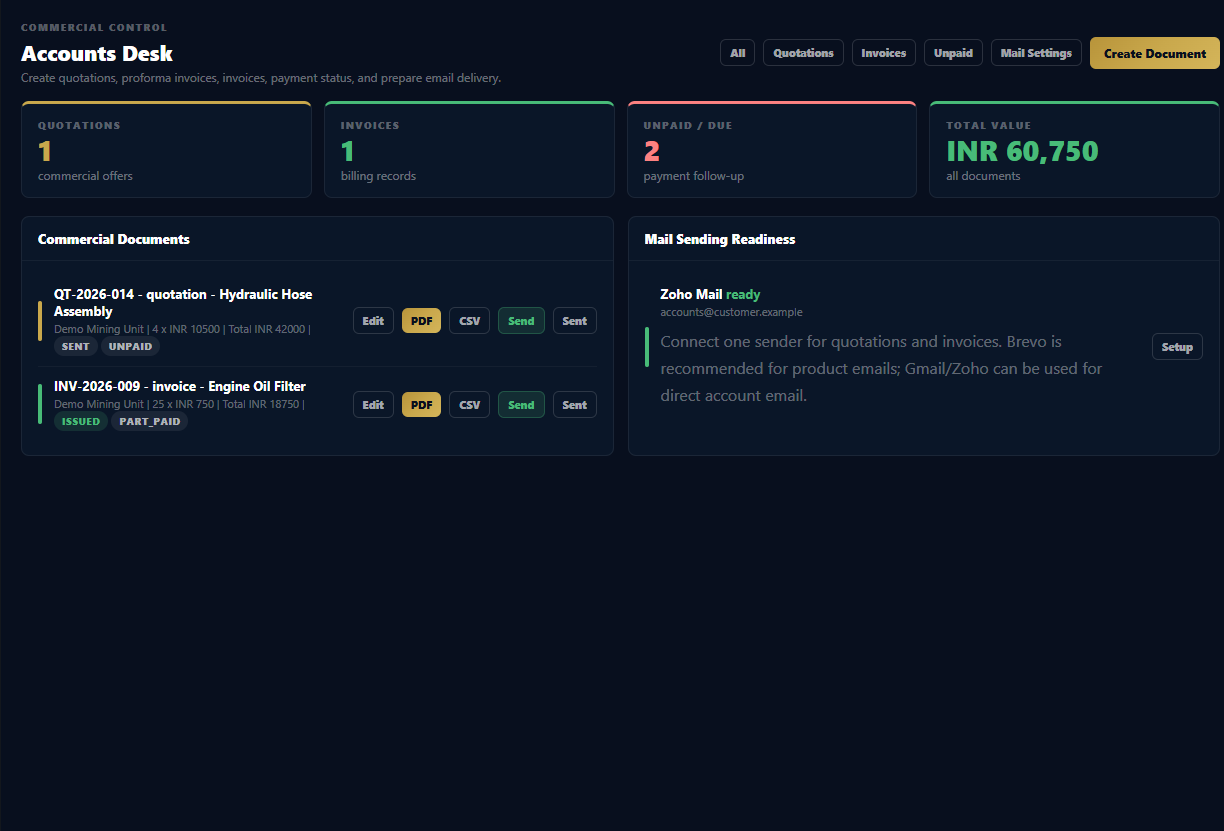
Use audit and demand records for internal reviews, procurement discussions, and operational checks.

Need inventory requests with approval control?

Request a WYNTIQ demo focused on the approval workflow from request to issue.