| OPC UA / SCADA | Machine status, process values, alarms, runtime, counters, utility data, and industrial KPI signals. | OPC UA endpoint, tag list, namespace mapping, polling/subscription plan. | Enterprise connector scope. Useful when WyntIQ is used as the dashboard/reporting layer above industrial systems. |
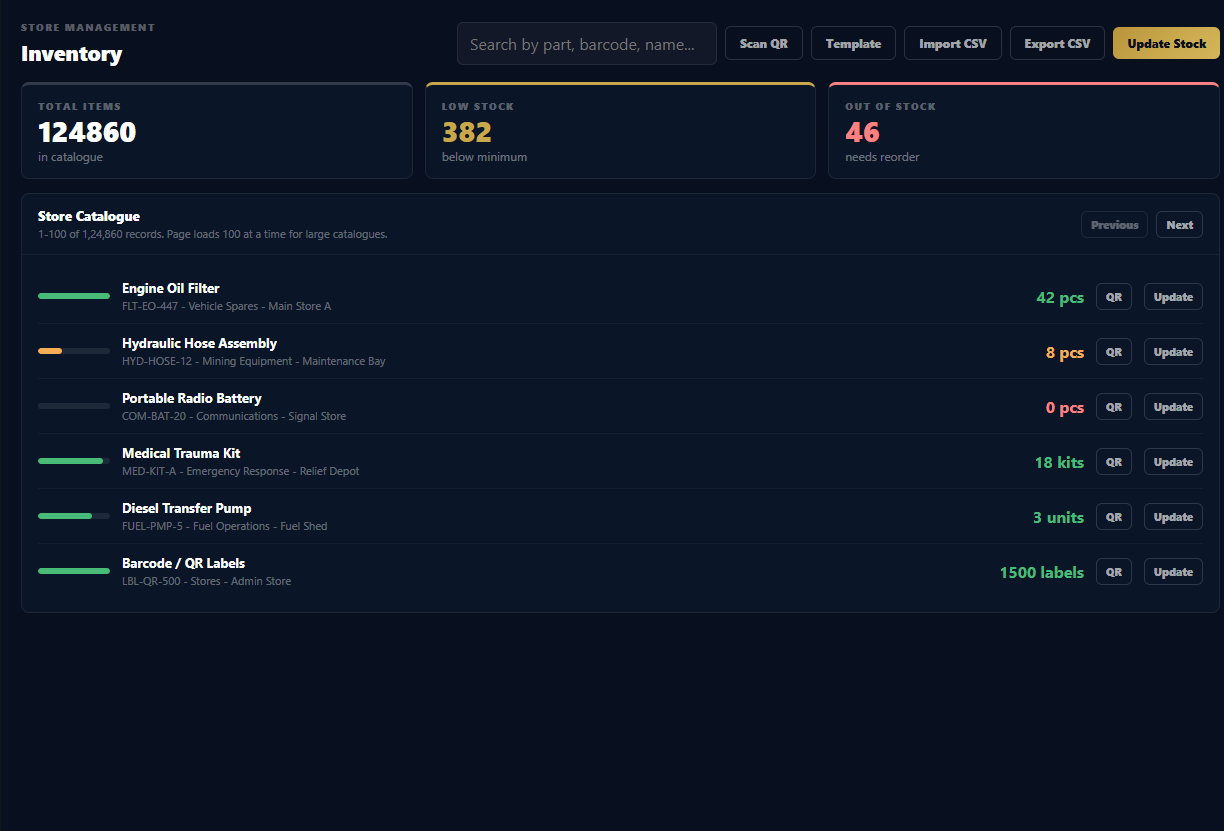
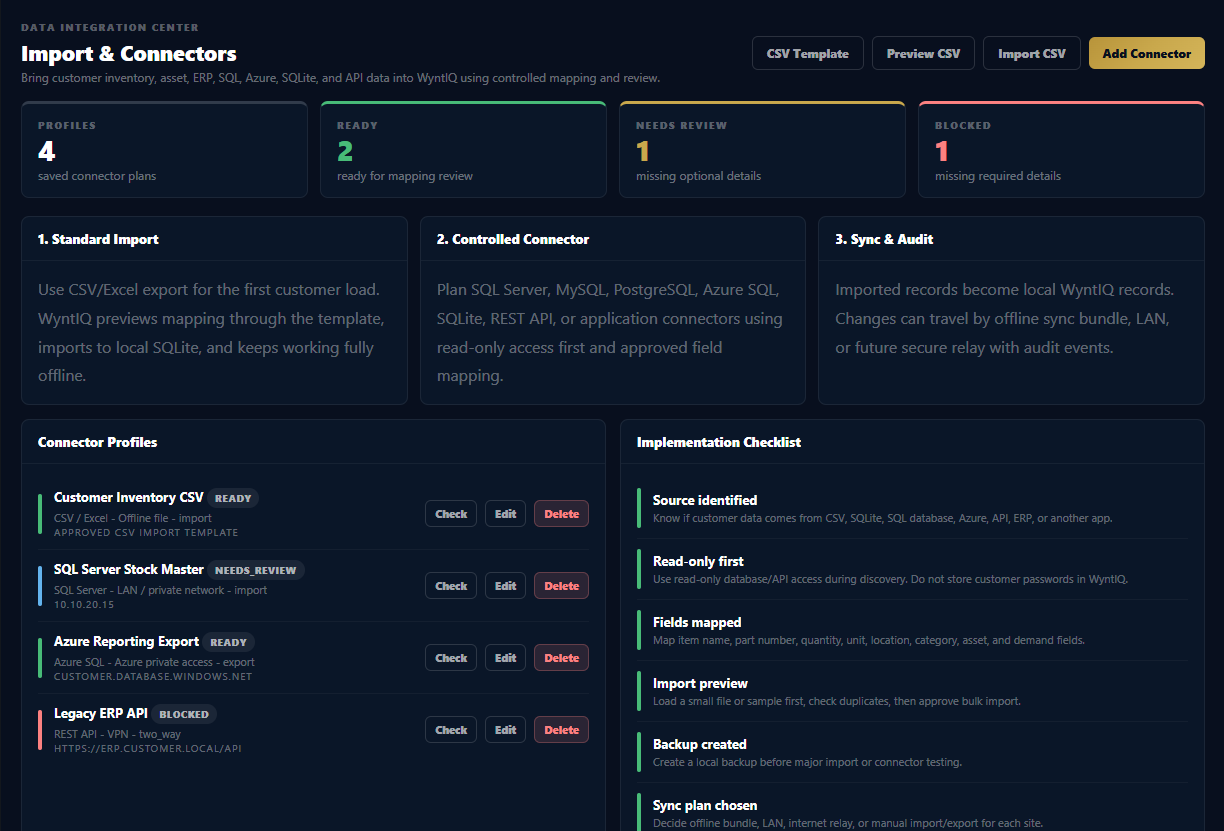
| CSV / Excel | Item master, stock quantity, minimum quantity, unit, location, part number, category. | Template-based CSV import/export inside WyntIQ. | Best first step. Works offline. No server or database access required. |
| SQLite | Local legacy app data, portable field database, offline warehouse files. | File-based import or mapped connector. | Good for offline migrations. Customer should provide sample file and schema. |
| Microsoft SQL Server / Oracle | Enterprise inventory, stores, procurement, maintenance, historian extracts, reports, and asset records. | Host/IP, port, database, read-only user, SSL/VPN where required. | Recommended through staged import first. Direct write-back should be approved carefully. |
| MySQL / MariaDB | Custom ERP, web apps, inventory portals, warehouse systems. | Host/IP, port, database, username, password, table mapping. | Use read-only access for discovery. Import into WyntIQ after mapping and validation. |
| PostgreSQL | Modern internal applications, analytics databases, operations systems. | Connection string or host/IP credentials, schema/table mapping. | Can support scheduled import where network policy allows. |
| Azure SQL | Cloud-hosted customer database, central stock, procurement, or ERP extensions. | Azure SQL endpoint, firewall rules, SQL user or managed access model. | Customer IT must allow secure connectivity. Offline WyntIQ devices still keep local copies. |
| Azure Storage / Files | Shared CSV drops, backup files, import/export folder, branch data exchange. | Approved storage path, SAS/token, or customer-controlled access. | Useful for scheduled file-based integration without direct database access. |
| MQTT | Sensor values, equipment events, gateway messages, status updates, and lightweight industrial telemetry. | Broker URL, topic list, credentials, payload format, frequency, and retention rules. | Best for dashboards and event visibility where MQTT is already approved by customer IT/OT. |
| REST API | Customer apps, ERP API, procurement system, support desk, vendor portal, historian API, or reporting service. | API base URL, API key/token/OAuth, field mapping, rate limit rules. | Best when customer system already exposes approved endpoints. |
| Other applications | Tally, SAP exports, Zoho, Odoo, custom desktop/web apps, logistics tools. | CSV export, API, database read, or agreed connector adapter. | Scope depends on customer access, data quality, and security approval. |