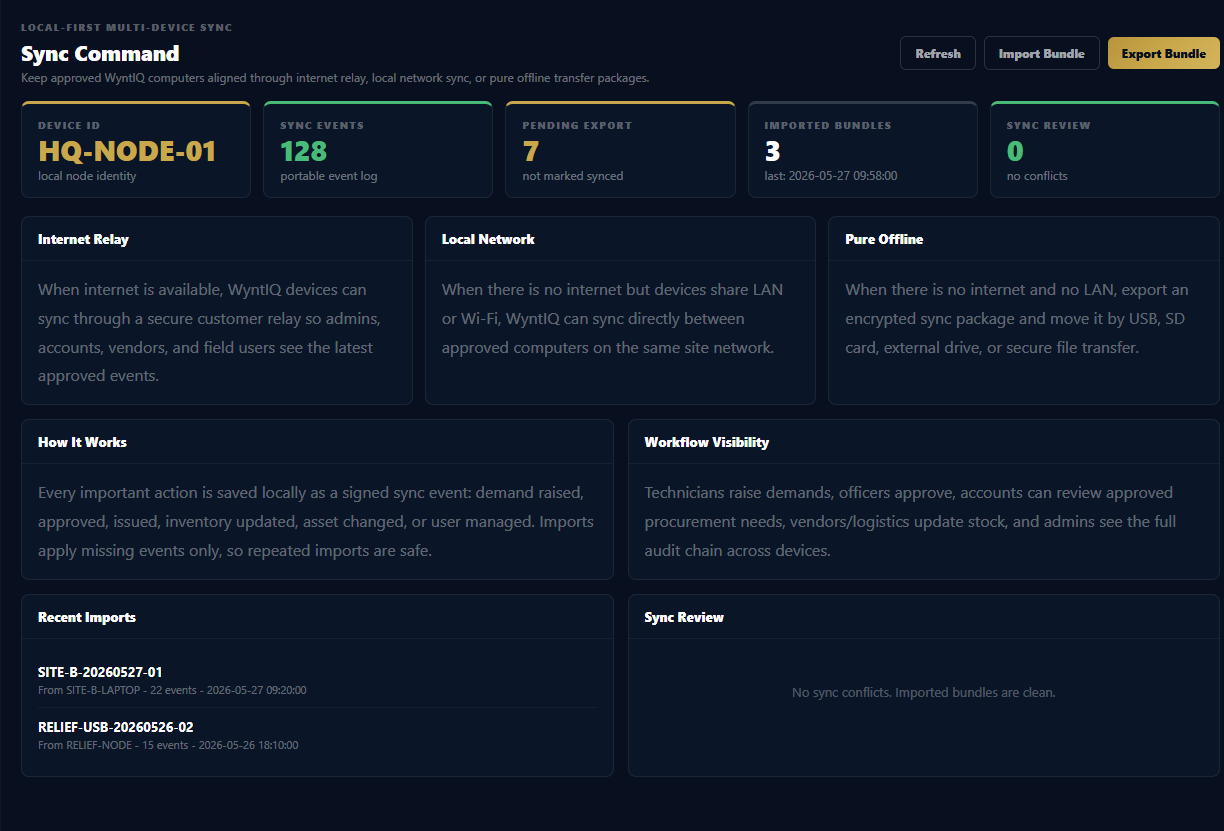
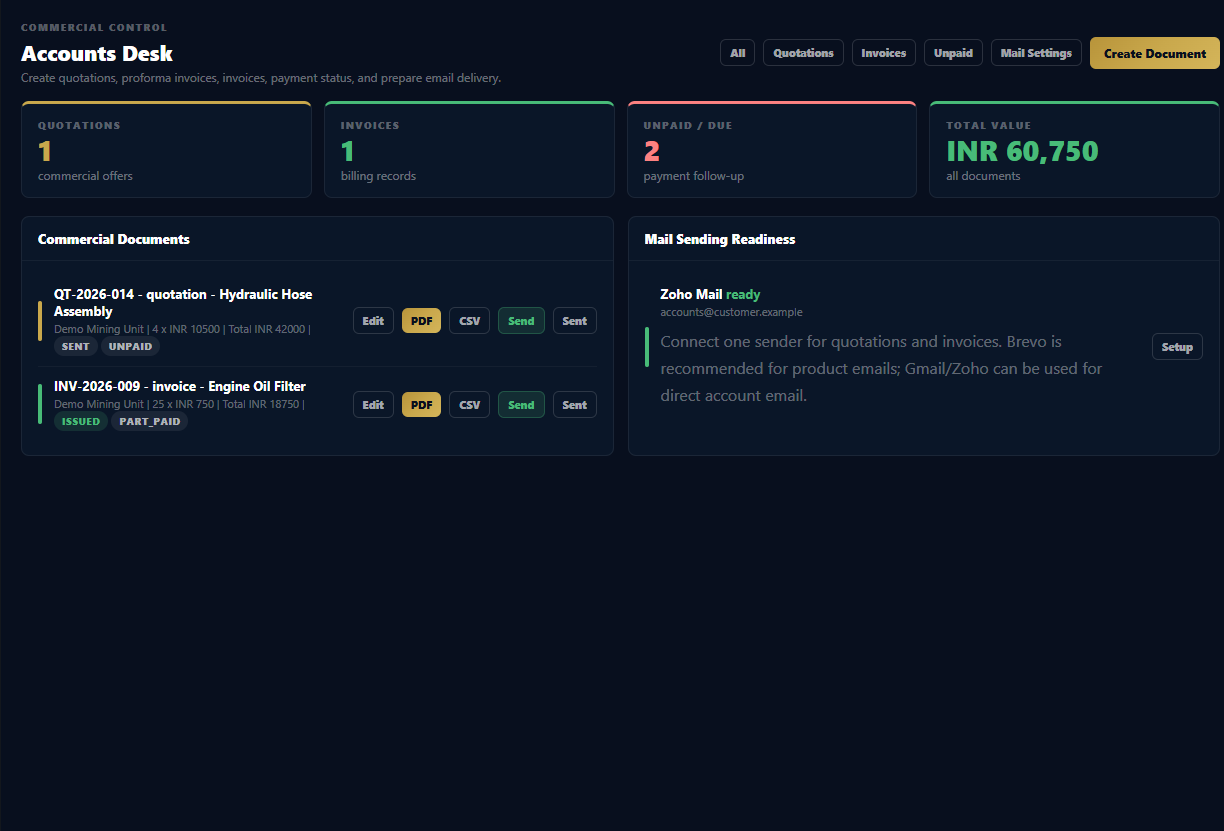
WYNTIQ uses QR workflows to connect physical stock, assets, requests, issue history, and audit records so field users can scan, find, and update the right record faster.

When a bin, rack, crate, tool, kit, or asset carries a clear QR identity, users spend less time searching and more time completing the correct workflow.
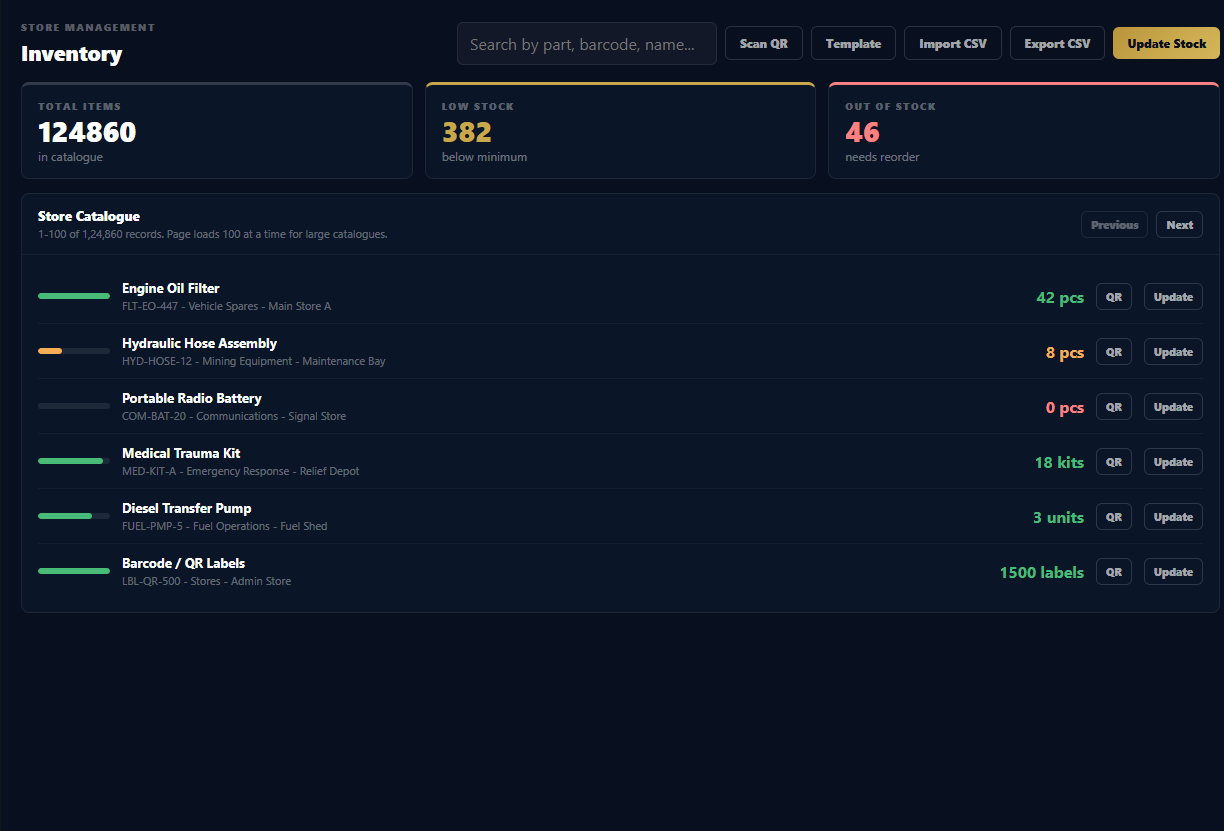
Print or attach QR identity to shelves, bins, product labels, crates, or store locations.
Open asset records for vehicles, tools, kits, equipment, or containers directly from the field.
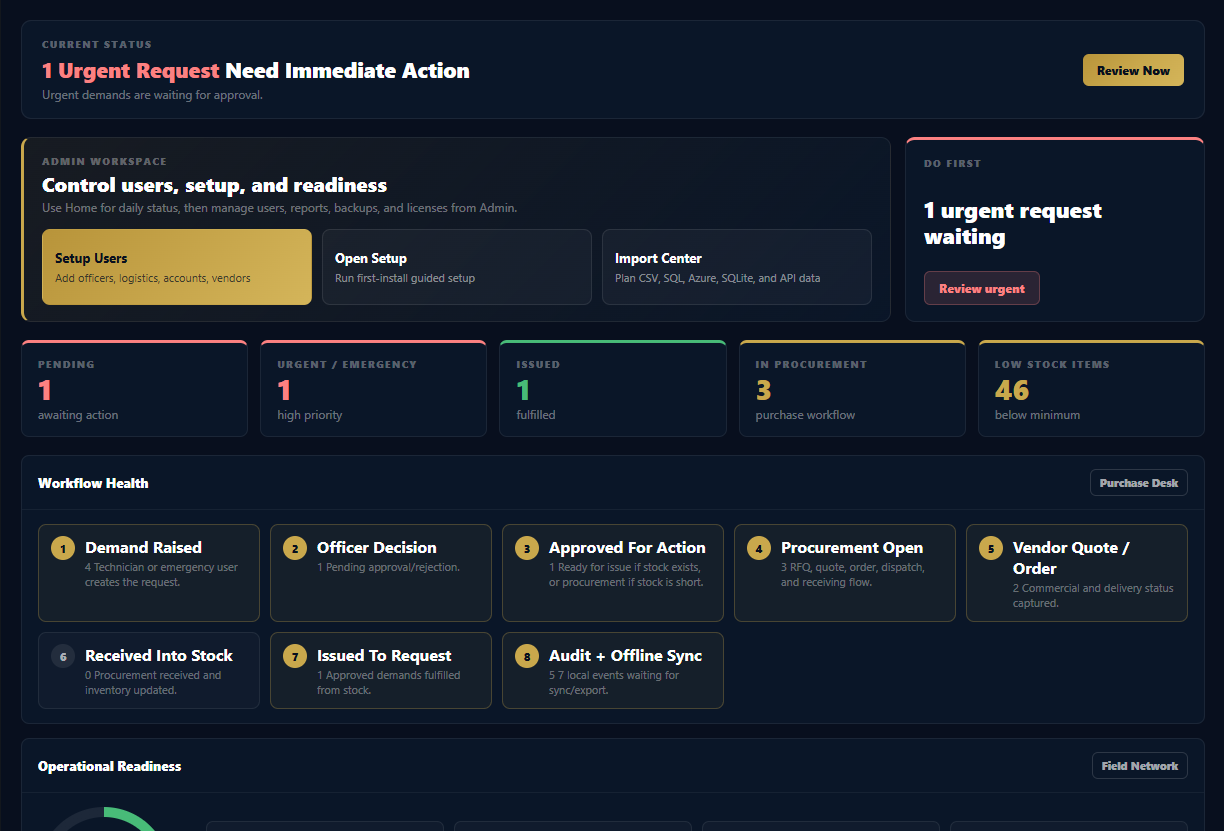
Track request history, approvals, issue status, and audit trail from a scannable demand record.
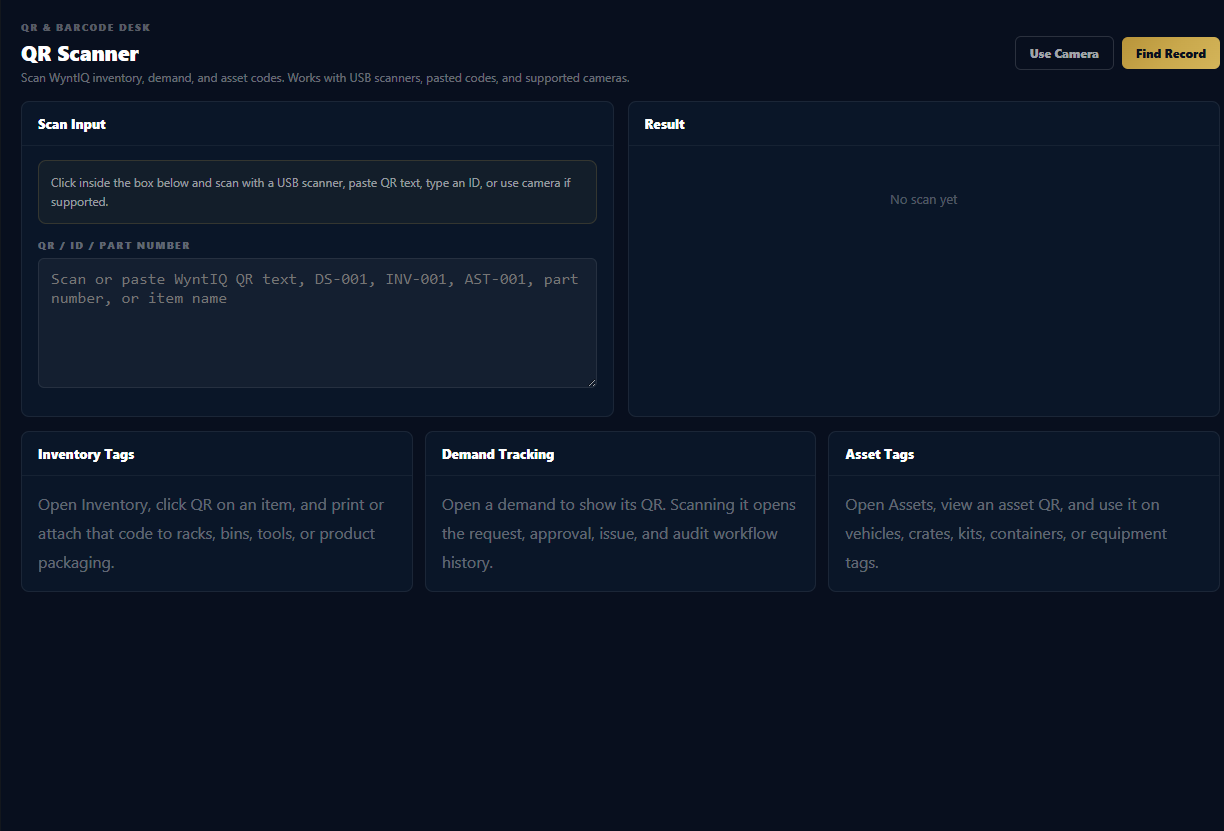
Use a normal USB barcode or QR scanner that types the code into the WYNTIQ scanner field.
When camera support is unavailable, users can paste or enter the QR text, item ID, request ID, or part number.
Browser and device support varies, so WYNTIQ keeps manual and USB scanning available as reliable fallbacks.
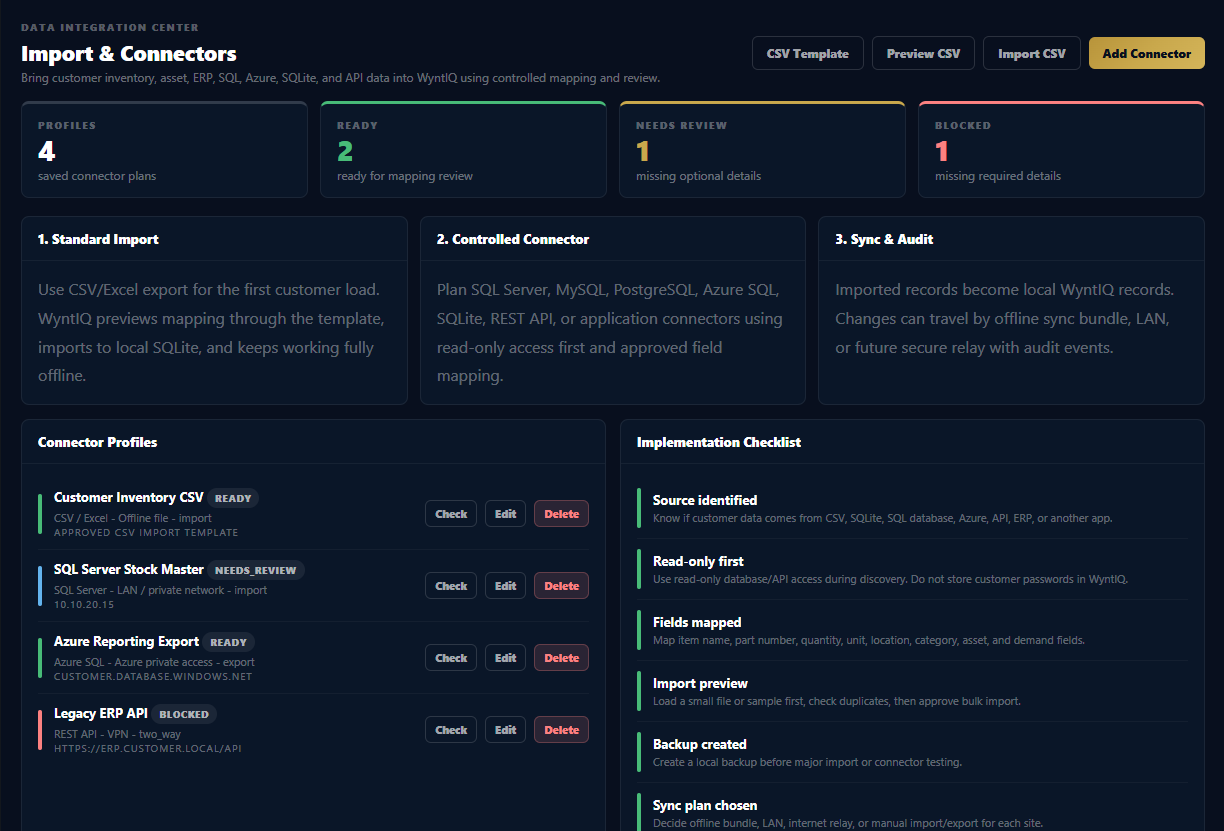
Scanned records can open from the local data store without waiting for cloud access.
Request a demo focused on QR labels, scanner workflow, inventory lookup, and field audit records.