Plan WYNTIQ with existing customer databases, applications, APIs, and CSV exports
Data Integrations
Data integration planning

Bring existing operational data into WYNTIQ.

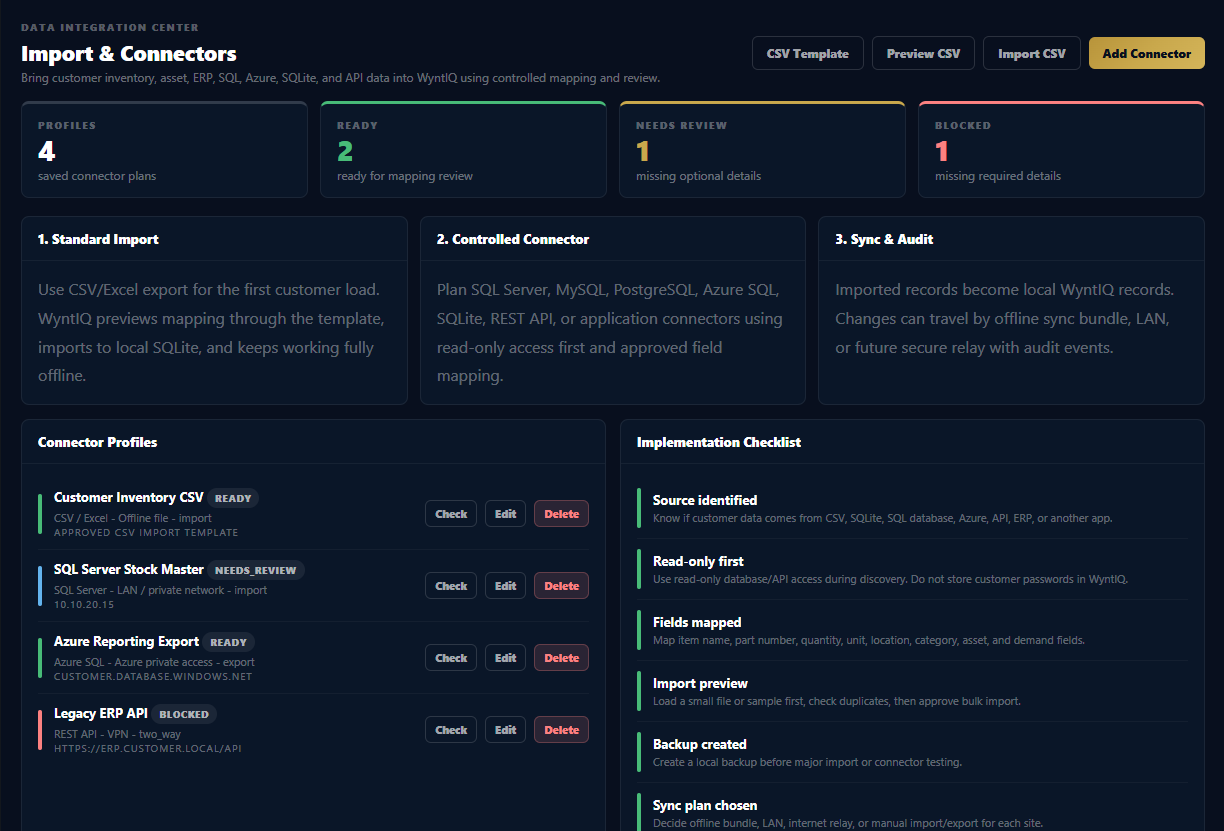
Many customers already have inventory, stores, ERP, procurement, vehicle, asset, or warehouse data. WYNTIQ is designed to start with controlled CSV import today and can be extended with approved SQL, SQLite, Azure, API, and application connectors for enterprise deployments.

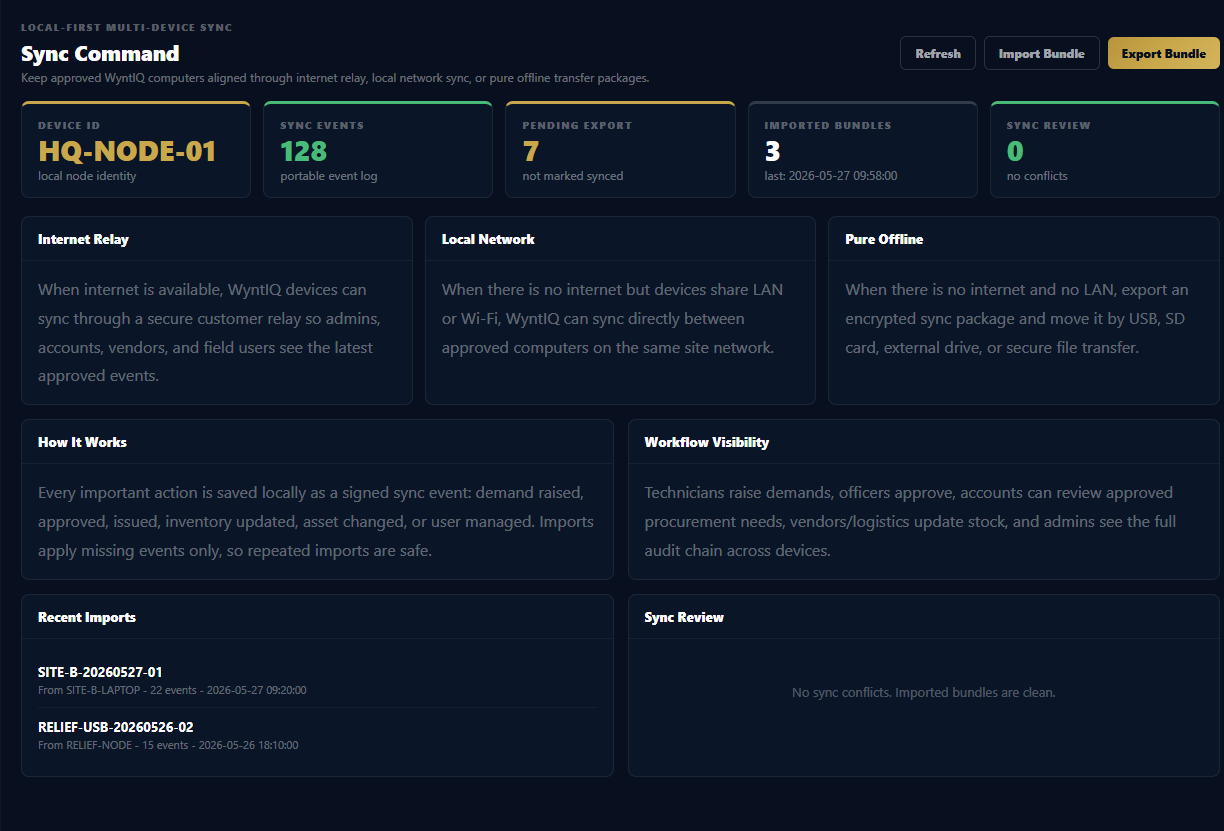
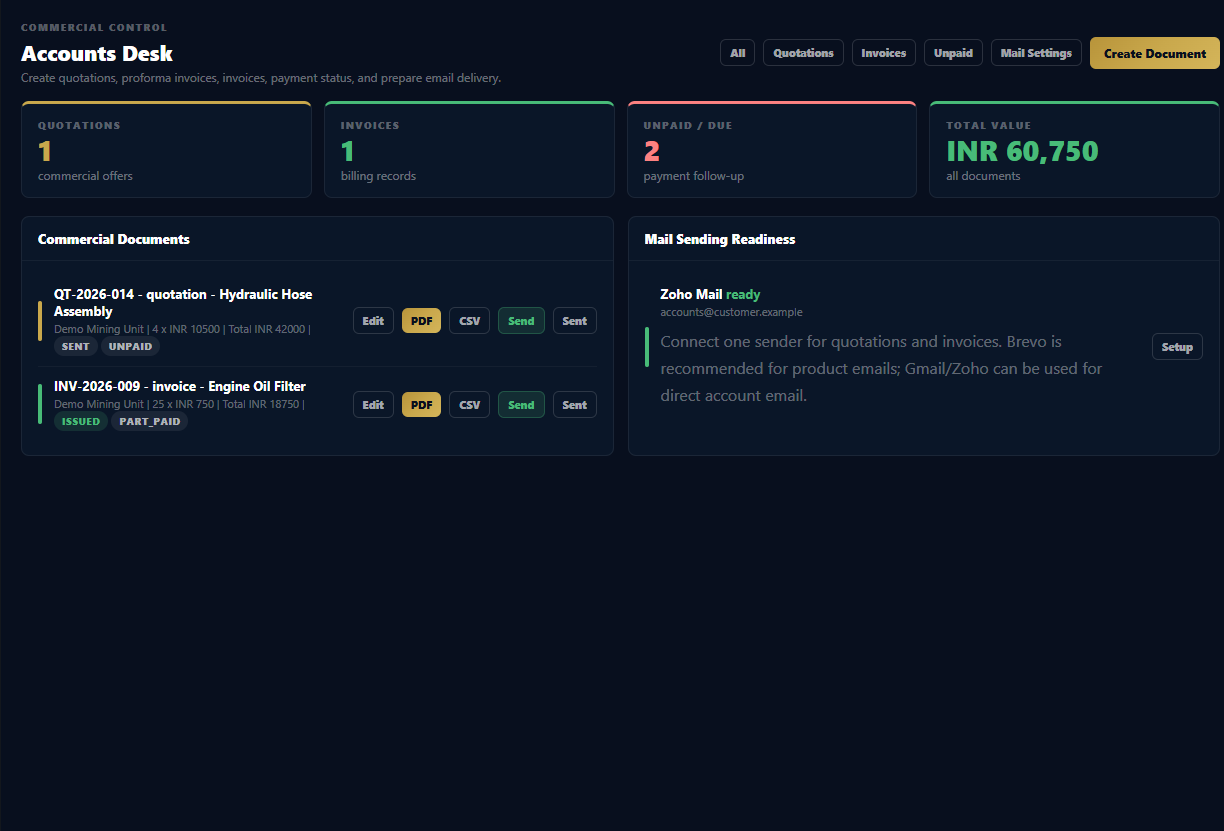
WYNTIQ integration and sync visual

Start simple. Connect deeper when the customer needs it.

WYNTIQ should not force a customer to replace their existing systems. The practical approach is to import clean operational data first, then build controlled connectors for live or scheduled integration where required.

CSV / Excel exportsFastest starting point for item master, stock list, locations, part numbers, and opening quantities.
SQLite filesSuitable for lightweight customer apps, local tools, offline databases, and field laptops.
Existing ERP exportsSAP, Tally, Zoho, custom ERP, and procurement systems can provide CSV/API feeds for mapping.

WYNTIQ

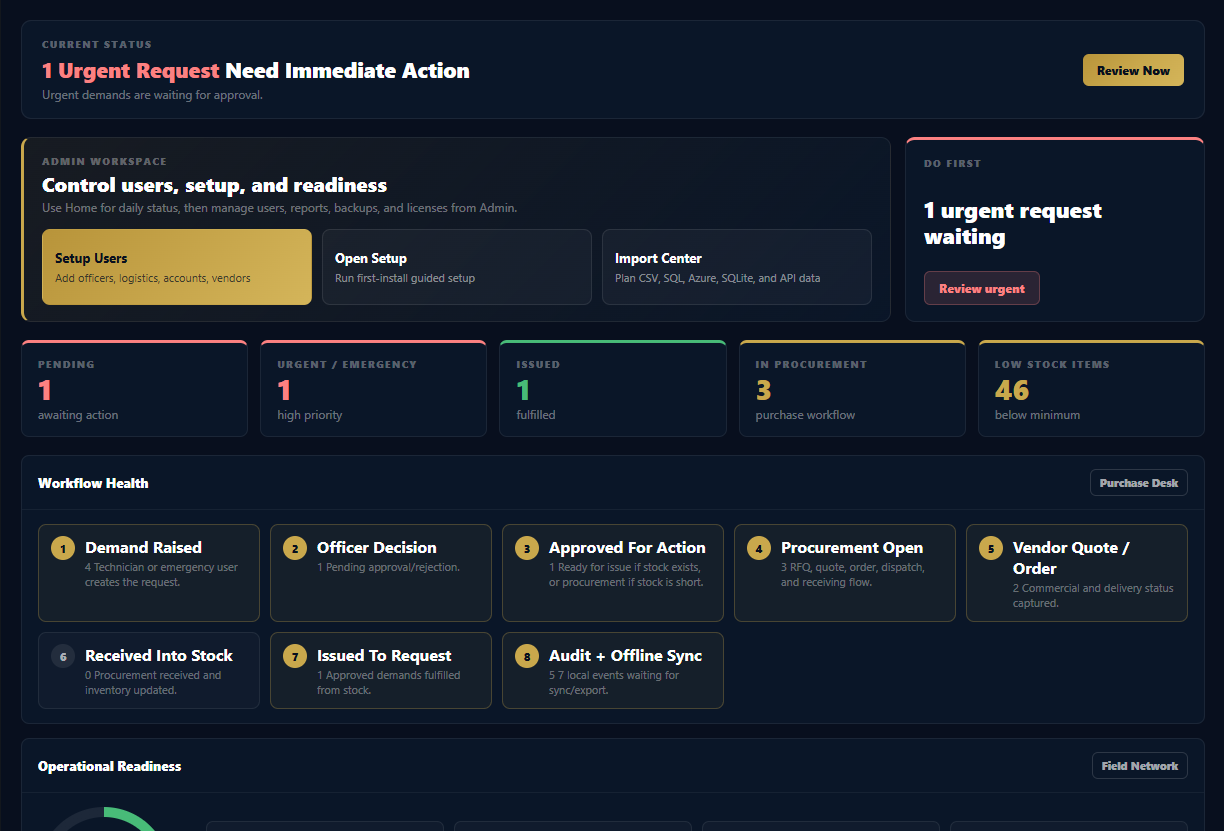
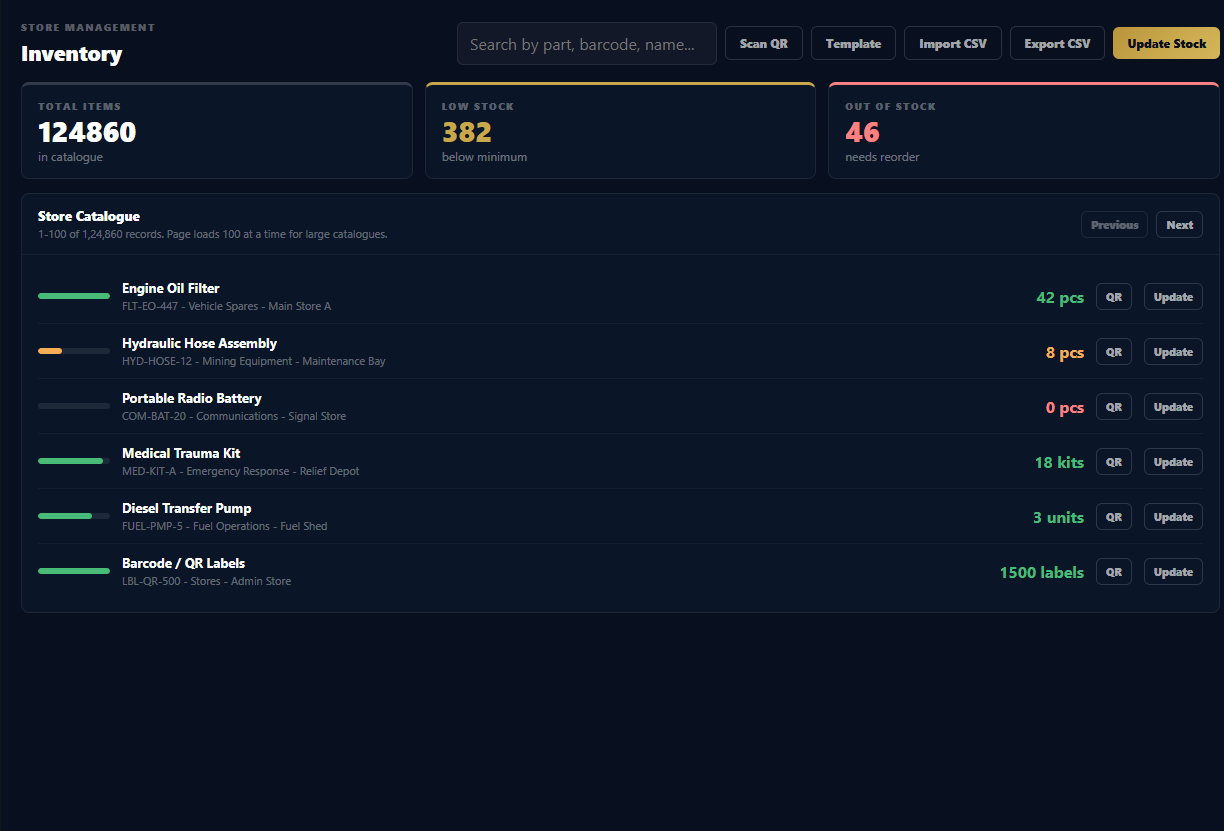
Local-first inventory, demand, approval, issue, QR, asset, audit, report, backup, and sync workflows.

SQL databasesSQL Server, MySQL/MariaDB, PostgreSQL, and customer-hosted databases through approved connector scope.
Azure servicesAzure SQL, Azure Storage, Files, Functions, or private cloud data flows where permitted.
REST APIsCustomer application APIs can be used for controlled push/pull, validation, and scheduled import.

What can be connected or imported?

The table below explains the customer data sources that can be used for a WYNTIQ deployment. Some are available through standard import; deeper direct connectors require customer-approved credentials, mapping, testing, and commercial scope.

SourceUse CaseConnection MethodDeployment Notes
CSV / ExcelItem master, stock quantity, minimum quantity, unit, location, part number, category.Template-based CSV import/export inside WYNTIQ.Best first step. Works offline. No server or database access required.
SQLiteLocal legacy app data, portable field database, offline warehouse files.File-based import or mapped connector.Good for offline migrations. Customer should provide sample file and schema.
Microsoft SQL ServerEnterprise inventory, stores, procurement, maintenance, asset records.Host/IP, port, database, read-only user, SSL/VPN where required.Recommended through staged import first. Direct write-back should be approved carefully.
MySQL / MariaDBCustom ERP, web apps, inventory portals, warehouse systems.Host/IP, port, database, username, password, table mapping.Use read-only access for discovery. Import into WYNTIQ after mapping and validation.
PostgreSQLModern internal applications, analytics databases, operations systems.Connection string or host/IP credentials, schema/table mapping.Can support scheduled import where network policy allows.
Azure SQLCloud-hosted customer database, central stock, procurement, or ERP extensions.Azure SQL endpoint, firewall rules, SQL user or managed access model.Customer IT must allow secure connectivity. Offline WYNTIQ devices still keep local copies.
Azure Storage / FilesShared CSV drops, backup files, import/export folder, branch data exchange.Approved storage path, SAS/token, or customer-controlled access.Useful for scheduled file-based integration without direct database access.
REST APICustomer apps, ERP API, procurement system, support desk, vendor portal.API base URL, API key/token/OAuth, field mapping, rate limit rules.Best when customer system already exposes approved endpoints.
Other applicationsTally, SAP exports, Zoho, Odoo, custom desktop/web apps, logistics tools.CSV export, API, database read, or agreed connector adapter.Scope depends on customer access, data quality, and security approval.

How a customer database becomes useful inside WYNTIQ.

Database integration is not just a connection string. The important work is mapping, validation, role workflow, audit behaviour, and deciding whether WYNTIQ should import, export, or sync.

1

Discover

Review customer systems, tables, APIs, exports, and field names.

2

Map

Match customer fields to WYNTIQ item, part, quantity, location, asset, and demand fields.

3

Validate

Clean duplicate items, missing part numbers, bad quantities, and location mismatches.

4

Import

Load approved records into WYNTIQ through CSV or connector import.

5

Review

Check totals, low stock, sample QR records, and user workflow accuracy.

6

Schedule

If required, enable recurring import/export or approved API sync.

Customer systems should be protected during integration.

WYNTIQ integrations should be implemented with least privilege and customer approval. A safe connector design is more valuable than a fast but risky database connection.

RO

Use read-only first

Start with read-only database/API credentials during discovery and import testing.

VPN

Respect network rules

Use VPN, private IP, firewall rules, or offline file transfer where customer policy requires it.

MAP

Map before syncing

Do not push data into production systems until fields, IDs, quantities, and audit impact are approved.

BAK

Backup first

Create backups before bulk import, schema mapping, or connector testing.

LOG

Audit connector runs

Track who imported what, when, from which source, and how many records were accepted or rejected.

KEY

Protect secrets

Do not store database passwords or API tokens in public files, screenshots, or shared documents.

Important: The standard WYNTIQ desktop app uses its own local SQLite database. Direct live SQL, Azure, ERP, or API connectors are enterprise integration options and should be scoped, tested, and approved based on the customer's environment.

What customers should share before integration planning.

To estimate integration effort, WYNTIQ support needs enough information to understand the source data, security model, and desired direction of data movement.

SRC

Source system

Database type, application name, export format, API documentation, or sample files.

SCH

Schema/sample

Table names, field names, sample rows, item IDs, part numbers, quantities, locations, and units.

DIR

Direction

One-time import, recurring import, export from WYNTIQ, or two-way sync requirement.

NET

Network

LAN, VPN, public IP, offline-only, Azure, private cloud, or file-drop access model.

SEC

Security

Credential method, read-only access, firewall rules, audit rules, and approval process.

VOL

Volume

Number of items, assets, sites, users, records per day, and expected update frequency.

Need WYNTIQ connected to your existing database or application?

Share your source system, sample fields, and deployment environment. We can plan the safest import or connector path for your operation.