WyntIQ Desktop is built for Windows environments where teams need local inventory, requests, approvals, QR workflows, asset tracking, audit history, reports, and activation support.
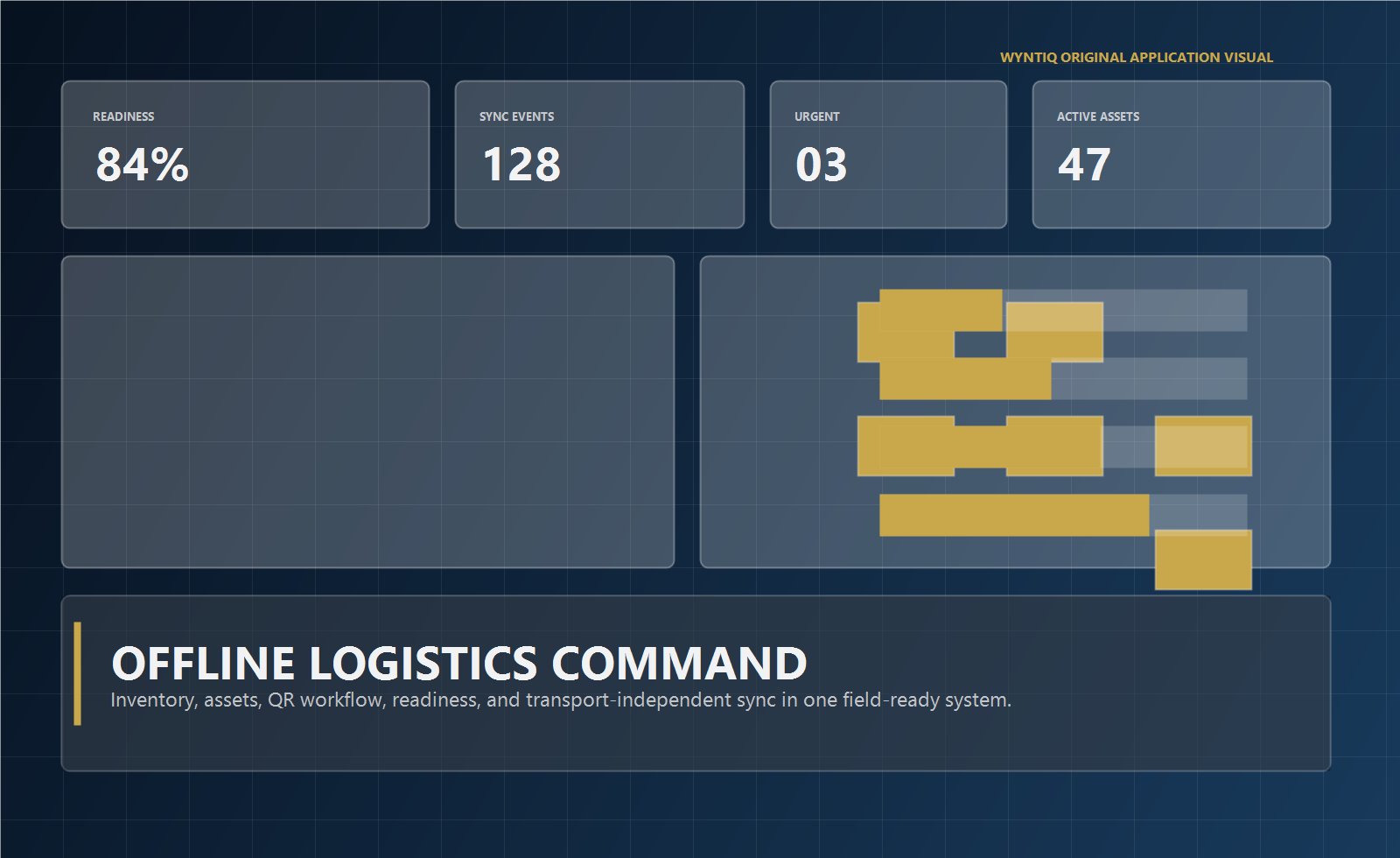
Many operations still rely on Windows laptops and desktops at stores, workshops, depots, plants, and site offices. WyntIQ uses that environment to keep core workflows available locally.
Use a controlled Windows desktop build for trials and approved deployments.
Continue working locally when connectivity is unavailable or unstable.
Support connected and disconnected activation paths depending on deployment conditions.
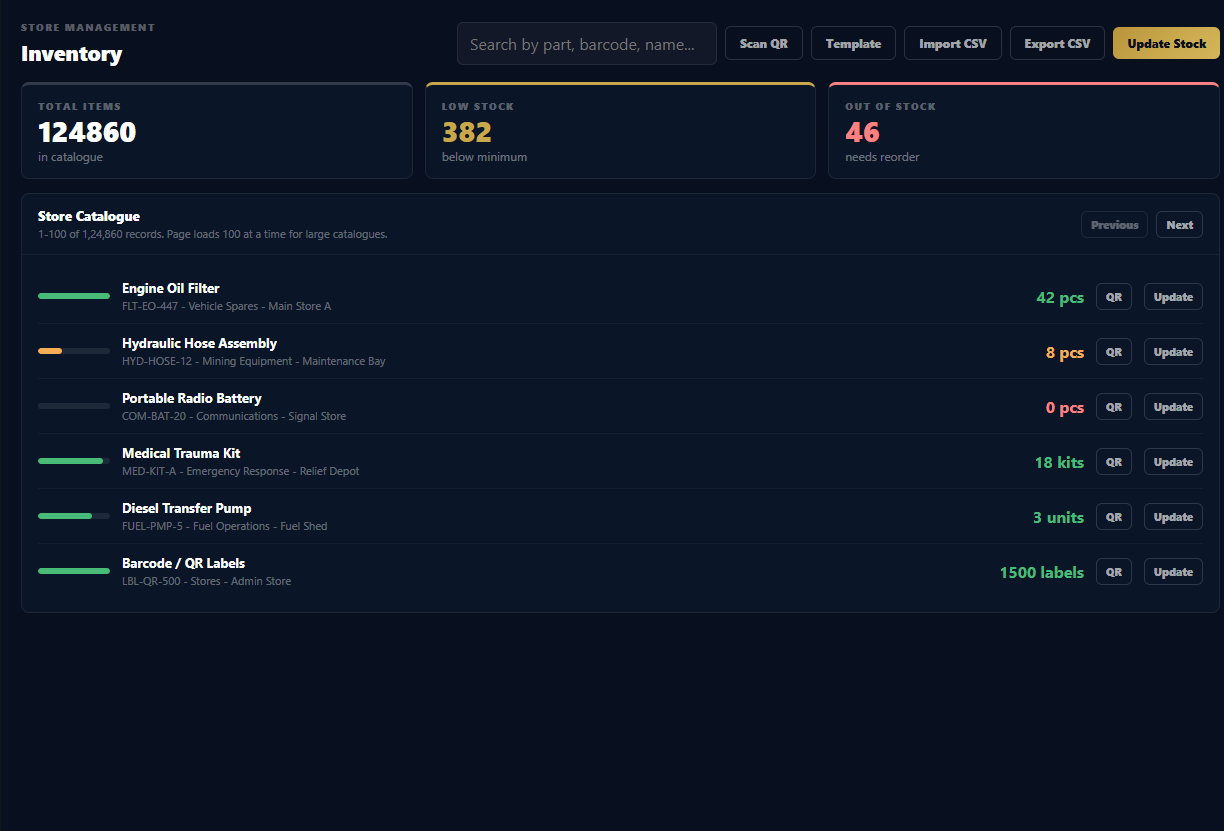
Track inventory quantity, low-stock status, out-of-stock items, and replenishment pressure.
Raise demands, approve or reject requests, issue stock, and preserve the full workflow history.
Use USB scanners, pasted codes, typed IDs, and supported cameras for practical lookup.
Review accountability and export operational records for internal use.
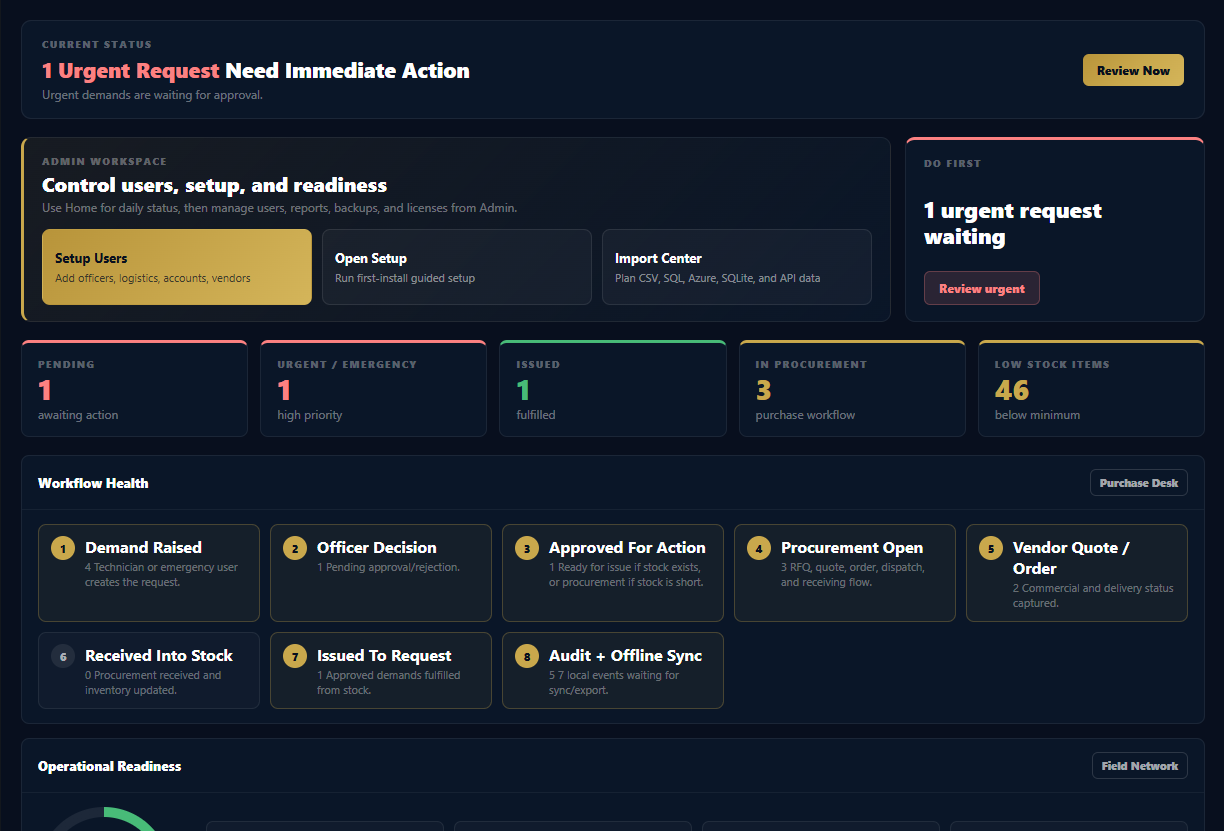
Review the working product areas buyers usually ask to see first: operations dashboard, inventory control, integrations, offline sync, and accounts workflow.

Urgent requests, workflow health, readiness score, stock risk, and audit visibility.

Searchable catalogue, stock levels, critical items, CSV import/export, and QR-ready records.

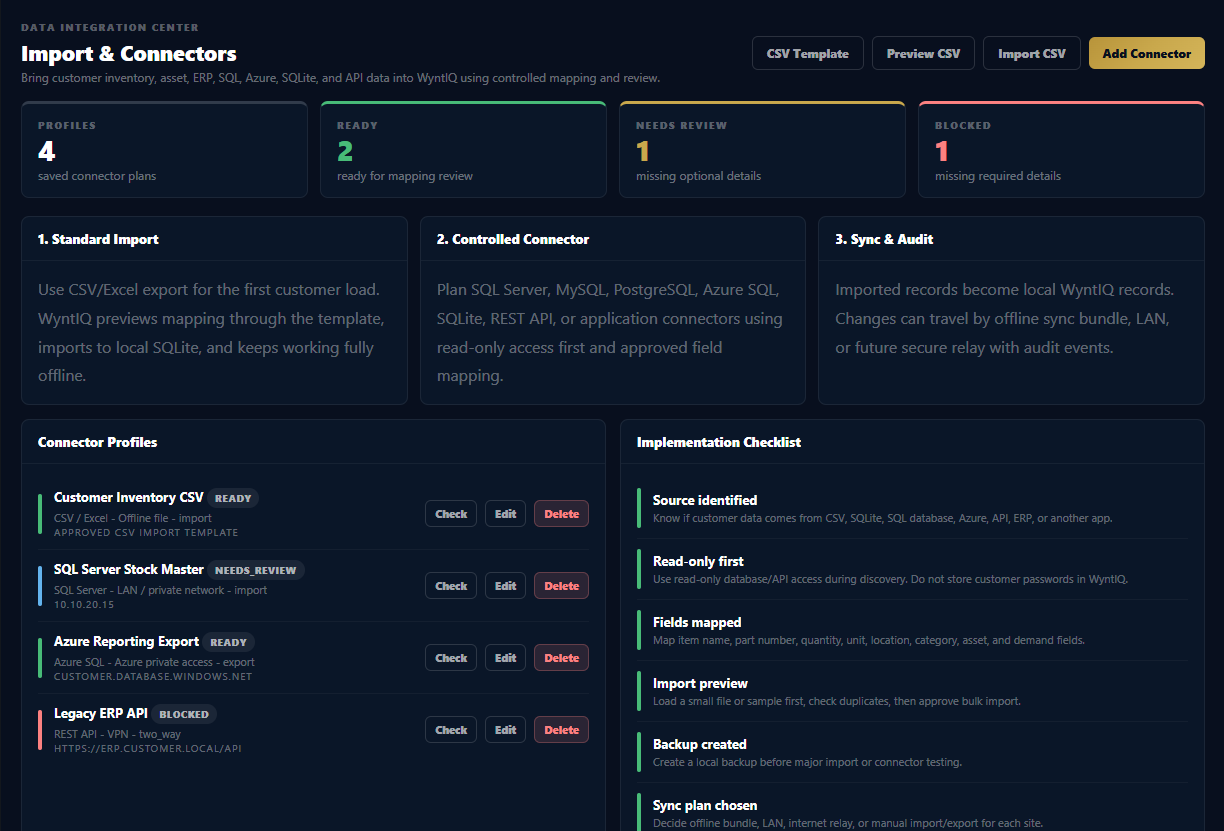
CSV import, SQL planning, connector profiles, mapping checklist, and audit-friendly onboarding.

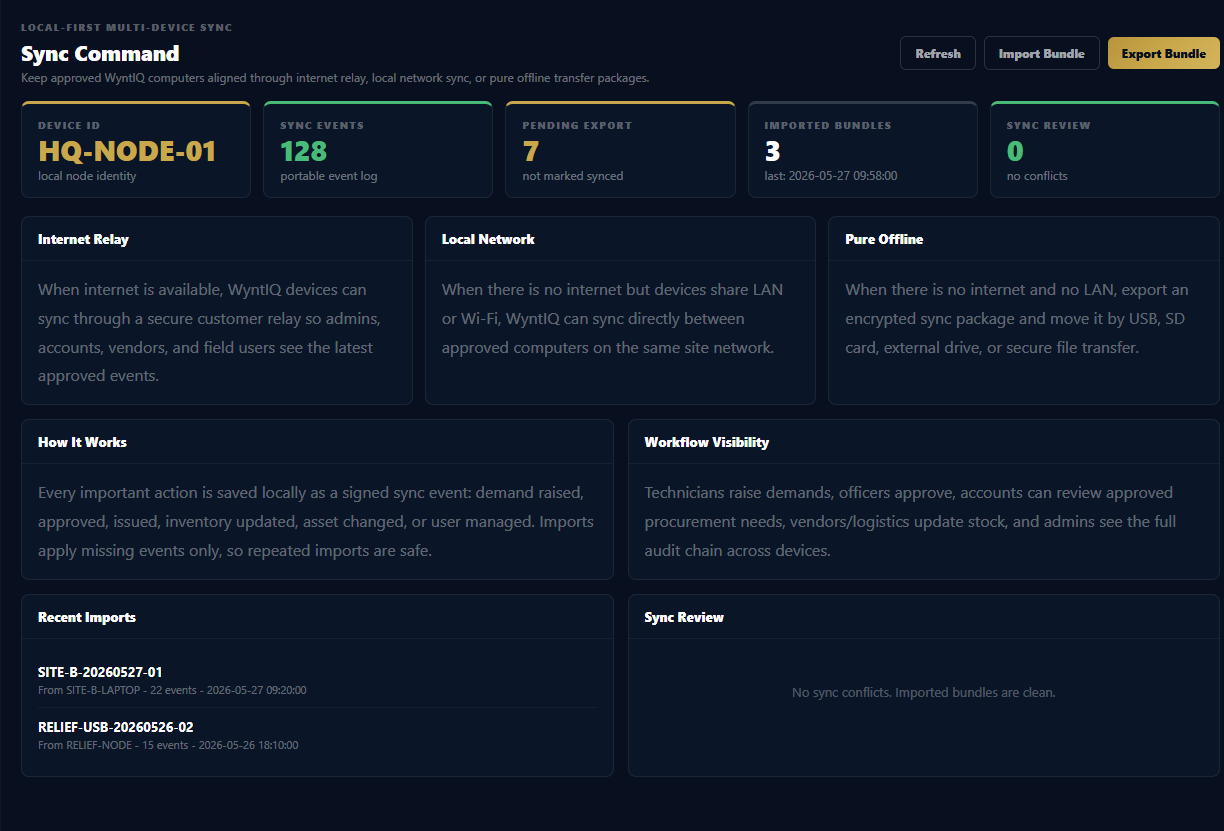
Internet relay, local network, pure offline bundles, and sync review visibility.

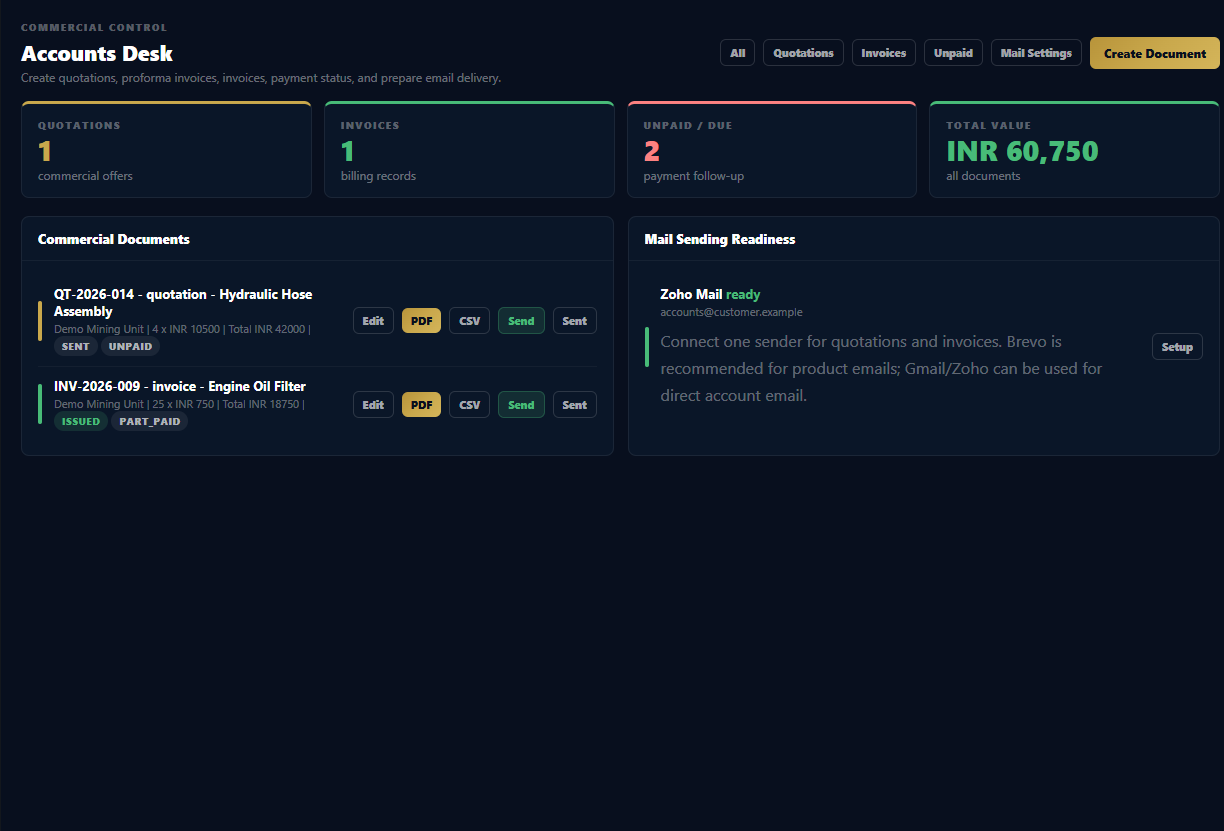
Quotations, invoices, payment status, mail readiness, and commercial document workflow.
Request WyntIQ access and receive the correct Windows trial guidance for your environment.